Chromecast vs Bluetooth vs AirPlay: Which Is Best for PC Audio?
A comprehensive comparison to help Windows users choose the right wireless audio protocol.
When it comes to streaming audio from a Windows PC to external speakers, people often compare Chromecast audio, Bluetooth, and AirPlay. Each wireless protocol has its strengths — but also limitations — especially for PC use.
Understanding these differences can help you choose the right tool for your needs. If your goal is high-quality audio streaming that is much faster than browser casting and good for YouTube, music, and everyday video, then PC Nest Speaker gives you the advantages of network-based casting without the hassles commonly associated with Bluetooth or AirPlay solutions.
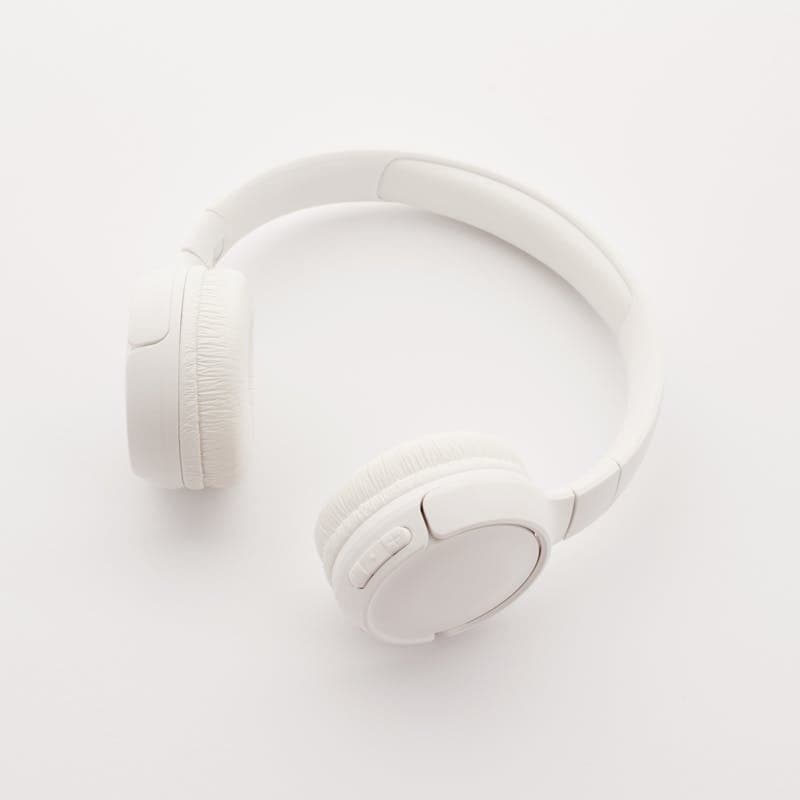
Bluetooth — Easy but Limited
How Bluetooth Works
Bluetooth creates a short-range, point-to-point wireless link between devices — generally up to about 30 ft (10m) under ideal conditions.
✔ Pros
- • Easy to pair
- • Works anywhere without Wi-Fi
- • Widely supported by PCs and devices
✘ Cons
- • Short range
- • Compressed audio reduces fidelity
- • No multi-room support
- • Interference and dropouts
Best For: Headphones and portable speakers close to your PC.
AirPlay — Apple's Wireless Audio Solution
How AirPlay Works
AirPlay is Apple's protocol for streaming audio and video over Wi-Fi. It works elegantly within Apple ecosystems (iPhone, iPad, Mac), and some third-party speakers support AirPlay too.
✔ Pros
- • Excellent audio quality
- • Multi-room support with HomePod
- • Sync across devices
✘ Cons
- • Not native on Windows
- • Requires third-party tools (AirParrot/AirServer)
- • Can introduce latency
Best For: Apple-centric environments and iPhone/Mac audio casting.

Chromecast Audio — Network-Based Casting with Google Ecosystem
How Chromecast Audio Works
Chromecast audio (and Google Cast on Nest speakers) leverages your Wi-Fi network to receive audio streams from apps or casting tools.
✔ Pros
- • Longer range (Wi-Fi)
- • Multi-room speaker groups
- • High-quality streaming potential
- • Works with Chromecast/Nest devices
✘ Cons
- • Windows doesn't natively expose it as audio device
- • Browser casting can be clunky
- • Latency varies with video mirroring
Best For: Home audio systems with Chromecast/Nest and multi-room synced playback.
Chromecast is more capable than Bluetooth for home audio — but Windows users still need better tools to unlock its full potential.
Why PC Nest Speaker Is the Best Option on Windows
If you want true high-quality PC audio streaming wirelessly, PC Nest Speaker combines the best parts of network audio with the flexibility that Bluetooth and AirPlay lack on Windows:
Unlike browser casting or app-specific solutions, PC Nest Speaker captures all system audio in one stream.
Avoids video mirroring overhead that bloats latency in traditional Chromecast casting.
Use Google Home to create groups and stream audio to multiple rooms at once.
Typically around 200-300ms depending on your network. Much faster than browser casting and good for YouTube or general video.
Enjoy audio wherever your Wi-Fi reaches — far beyond Bluetooth's limited distance.
Comparison Table — Bluetooth vs AirPlay vs Chromecast + PC Nest Speaker
| Feature | Bluetooth | AirPlay (Windows) | Chromecast Native | + PC Nest Speaker |
|---|---|---|---|---|
| System-Wide Audio | ✔ | ✔ (with tool) | ❌ | ✔ |
| Multi-Room | ❌ | ✔* | ✔ | ✔ |
| Latency | Moderate | Moderate | Variable | Low |
| Ease of Setup | Easy | Moderate | Moderate | Moderate |
| Audio Quality | Moderate | High | High | High |
| PC Native Support | ✔ | ❌ | ❌ | ✔ |
*AirPlay multi-room depends on Apple ecosystem compatibility.
Real World Use Cases
🎧 Bluetooth
- • Quick music in a small room
- • Portable speakers
- • Wireless headphones
🍎 AirPlay
- • Apple users with HomePods
- • iOS/Mac environments
- • Apple TV integration
📱 Chromecast Native
- • Android & Google ecosystem
- • App-specific casting
- • Streaming services
🎯 Chromecast + PC Nest Speaker
- • Whole-home music from your PC
- • Gaming + chat audio cast to speakers
- • Streaming alerts and background audio
How to Get Started With PC Nest Speaker
Install the App
Download and install PC Nest Speaker on your Windows PC.
Configure Your Speaker Targets
Ensure your Chromecast or Nest speakers are on the same Wi-Fi network.
Choose Which Speakers to Use
Pick a single speaker or a group created in Google Home.
Play Anything You Want
Enjoy all system audio — music, games, calls — routed wirelessly.
Frequently Asked Questions
Which is better for PC audio: Chromecast, Bluetooth, or AirPlay?
For Windows PC users, Chromecast with PC Nest Speaker offers the best combination of audio quality, range, and multi-room support. Bluetooth is limited in range and quality, while AirPlay requires third-party tools on Windows.
Can I use AirPlay on Windows PC?
AirPlay is not natively supported on Windows. You need third-party software like AirParrot or AirServer, which adds complexity and can introduce latency. Chromecast with PC Nest Speaker is often a better choice for Windows users.
Does Chromecast have better audio quality than Bluetooth?
Generally yes. Chromecast streams over Wi-Fi with higher bandwidth, allowing for better audio quality than most Bluetooth codecs. Bluetooth compresses audio more heavily, which can reduce fidelity on quality speakers.
What's the best tool for streaming PC audio to Chromecast?
PC Nest Speaker is designed specifically for this purpose. It captures all Windows system audio and streams it to Chromecast/Nest devices with around 200-300ms delay in typical use, much faster than browser casting, plus audio-only mode and multi-room support.
Summary
Bluetooth, AirPlay, and Chromecast all have roles in wireless audio, but for Windows PC users who want elegant, reliable, system-wide audio streaming, Chromecast + PC Nest Speaker is the strongest choice.
It brings:
- ✔ True system-wide audio
- ✔ Wi-Fi range
- ✔ Lower latency
- ✔ Multi-room capability
- ✔ High-quality output
If you've ever searched for comparisons like "Chromecast vs Bluetooth vs AirPlay for PC audio", this breakdown shows why PC Nest Speaker is the modern, practical winner.
Ready to Try the Best Option?
Download PC Nest Speaker and experience wireless PC audio done right.
Download Free Trial